Best Free PDF to Audiobook AI Tools & Apps in 2026
PDF to Audiobook Team
6/9/2026
Looking for a free PDF to audiobook generator? There are now plenty of apps that can convert PDF to audiobooks free, but they don't all work the same way. Some run entirely in your browser, some are mobile apps, and some are AI text-to-speech platforms that export an MP3. This guide explains the categories so you can pick the right PDF to audiobook AI for your needs.
Key takeaways
- "PDF to audiobook AI" usually means two things: extracting clean text from a PDF, then reading it aloud with a natural voice.
- Browser tools are the fastest free option. No install, no account — just upload and listen.
- Mobile apps add convenience for listening on the go, but many gate features behind subscriptions.
- AI TTS platforms can export downloadable MP3 audiobooks, but typically charge by characters or minutes.
- The best free tool for most people is a browser-based converter you can try instantly.
The three kinds of PDF to audiobook tools
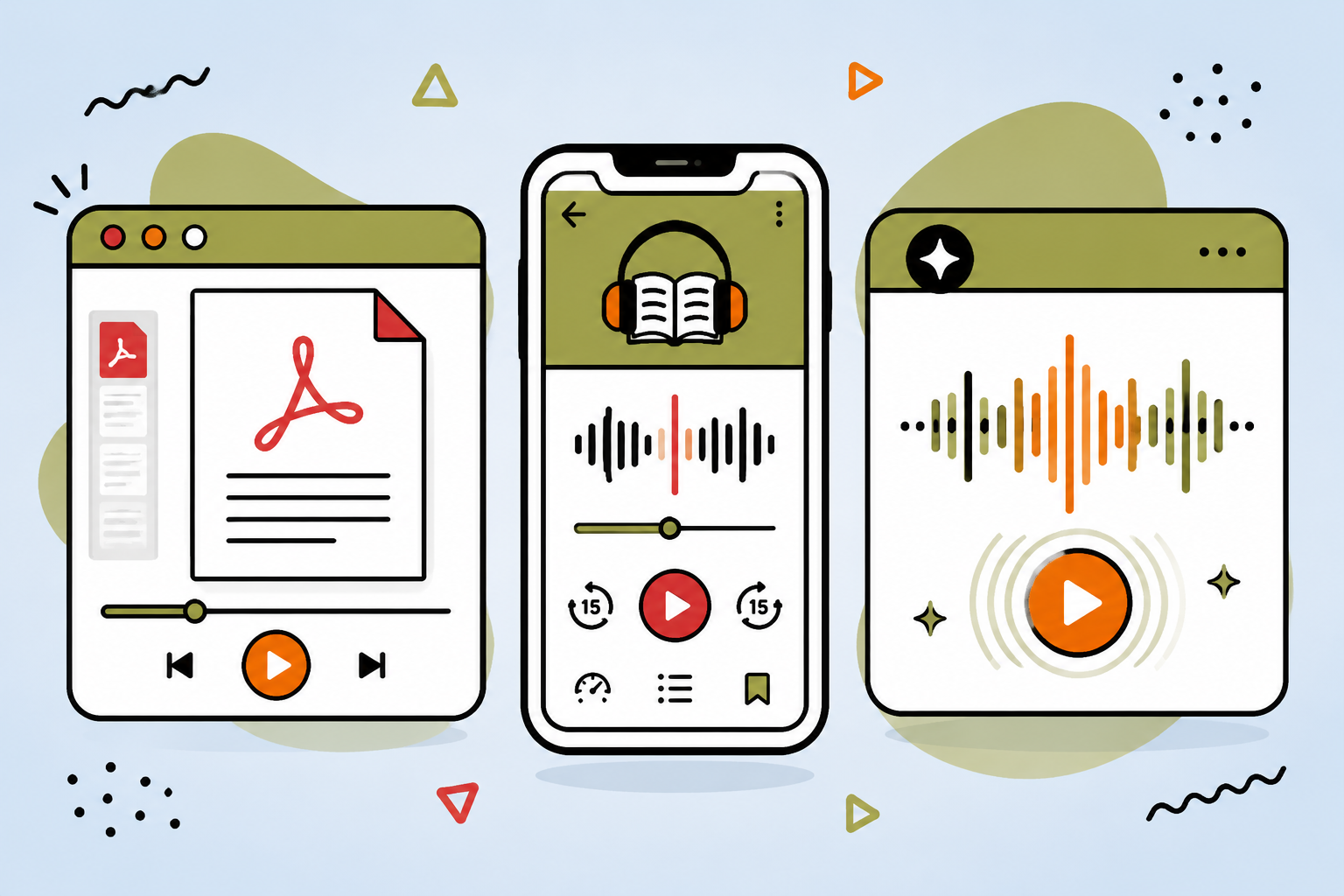
Most "PDF to audiobook" products fall into one of three buckets. Knowing the differences saves you from paying for features you don't need.
1. Browser-based converters (best for free, instant use)
These run in your web browser. You upload a PDF, the text is extracted locally, you pick a voice, and you press play. There's nothing to install and usually no sign up.
Pros: free, instant, private (your file isn't re-uploaded), works on desktop and mobile. Cons: built-in browser voices vary by device; exporting an MP3 may not be available.
The PDF to Audiobook tool on this site is exactly this kind of converter — open it, upload a PDF, and listen in seconds.
2. Mobile apps
App-store apps let you keep a personal audio library and listen offline once converted.
Pros: convenient for listening on the go; offline playback after conversion. Cons: many free apps add watermarks, limits, or push subscriptions; quality varies a lot.
3. AI text-to-speech platforms
These focus on high-quality AI voices and can render a downloadable MP3 from your text.
Pros: the most natural-sounding voices; real audio-file export. Cons: usually paid (per character or per minute) and may require an account and setup.
What to look for in a free PDF to audiobook AI
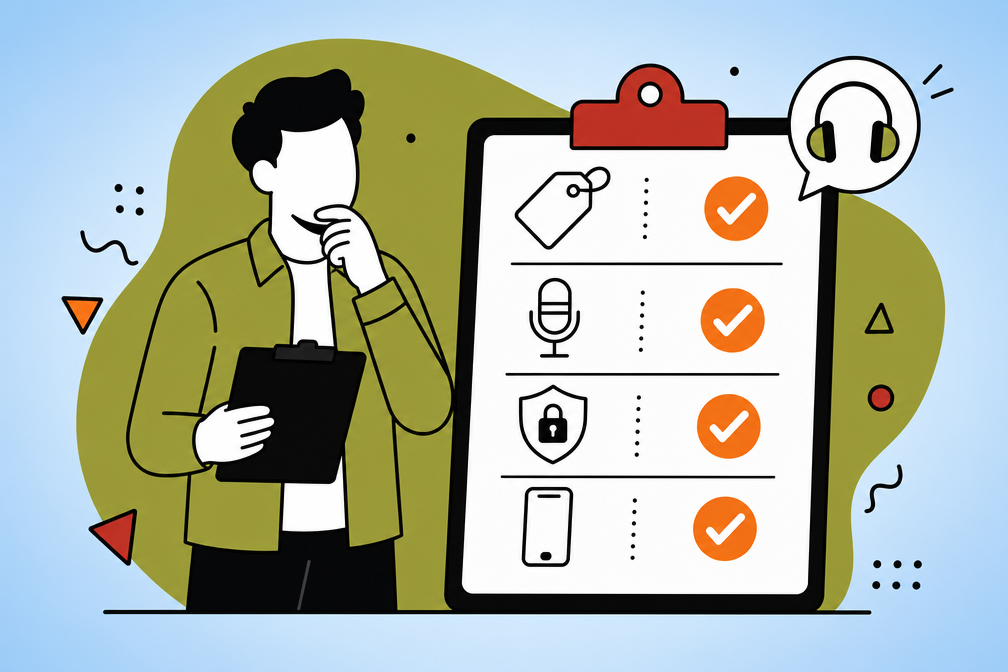
When you compare tools, run them through this short checklist:
- Genuinely free to try without forcing a sign up.
- Accurate text extraction that handles multi-page PDFs.
- Natural voices with adjustable speed and pitch.
- Editing so you can clean up headers, footers, and page numbers before listening.
- Privacy — ideally the PDF text is processed locally in your browser.
- Works on mobile so you can listen anywhere.
Quick comparison
| Tool type | Best for | Cost | MP3 export |
|---|---|---|---|
| Browser converter | Instant, free listening | Free | Usually no |
| Mobile app | Listening on the go | Free / freemium | Sometimes |
| AI TTS platform | Studio-quality audio files | Paid | Yes |
Can I turn a book PDF, like an Atomic Habits PDF, into an audiobook?
Technically, any text-based PDF can be read aloud — including a book like an Atomic Habits PDF. But popular books are copyrighted, so you should only convert files you legally own or have permission to use. If you're after a free, legitimate listen of a commercial title, the official audiobook (via your library app or an audiobook service) is the right route. For your own documents, notes, and public-domain texts, a free PDF to audiobook generator is a great fit.
How to convert a PDF to an audiobook free, right now
You don't need to download anything to get started:
- Open the free converter.
- Upload your PDF (or paste text).
- Pick a voice and adjust the speed.
- Press Generate Speech and listen.
For a full walkthrough, read our guide on how to convert a PDF to an audiobook for free.
PDF to Audiobook Tools FAQ
Yes. Browser-based converters are free and require no install, and several mobile apps offer free tiers. Watch for limits and watermarks on free app plans.