How to Convert a PDF to an Audiobook for Free (2026 Guide)
PDF to Audiobook Team
6/10/2026
If you want to convert a PDF to an audiobook for free, the quickest answer is this: open a PDF to Audiobook converter, upload your PDF, let it extract the text, choose a voice, and press Generate Speech. In a few seconds you can listen to your document hands-free instead of reading it on screen.
This guide walks through exactly how to turn a PDF into an audiobook free, what to expect from a browser-based tool, and how to get the cleanest listening experience.
Key takeaways
- You can convert PDF to audiobook free, right in your browser. No installs, no account, and no credit card.
- The workflow is three steps: upload your PDF, choose a voice, then generate speech.
- Your file stays local. With a front-end tool, the PDF text is extracted in your browser rather than uploaded to a server.
- You can edit the extracted text before listening, which is handy for cleaning up headers, footers, and page numbers.
- You can download the extracted text as a
.txtfile to keep or reuse. - Text-based PDFs work best. Scanned/image-only PDFs need OCR first.
How to turn a PDF into an audiobook free, step by step
The easiest free workflow today is browser-based. You don't need a desktop app or a subscription.
Step 1: Upload your PDF
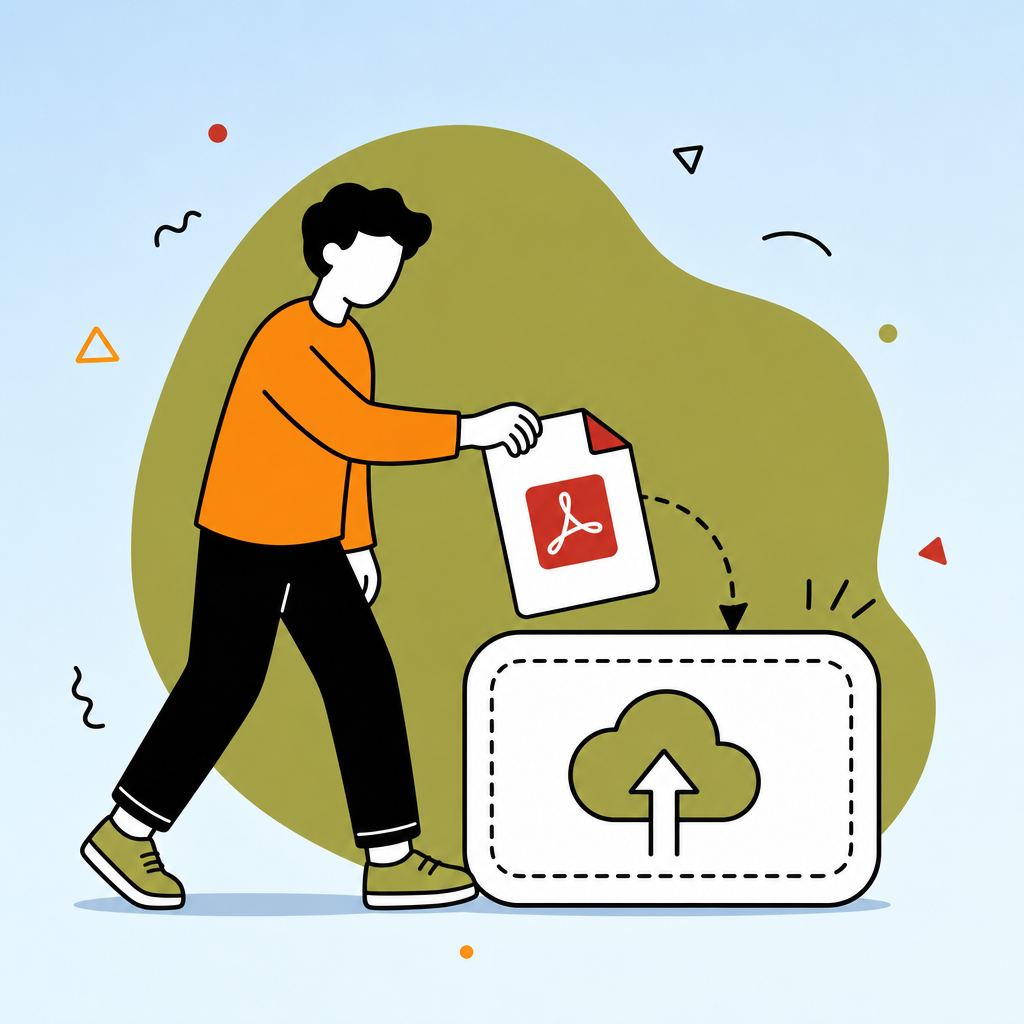
Open the tool and drag your PDF onto the upload box, or click to choose a file. The converter reads the document locally and pulls out the text from every page. Most everyday PDFs — study notes, reports, articles, manuals, and novels — work instantly.
Step 2: Choose a voice
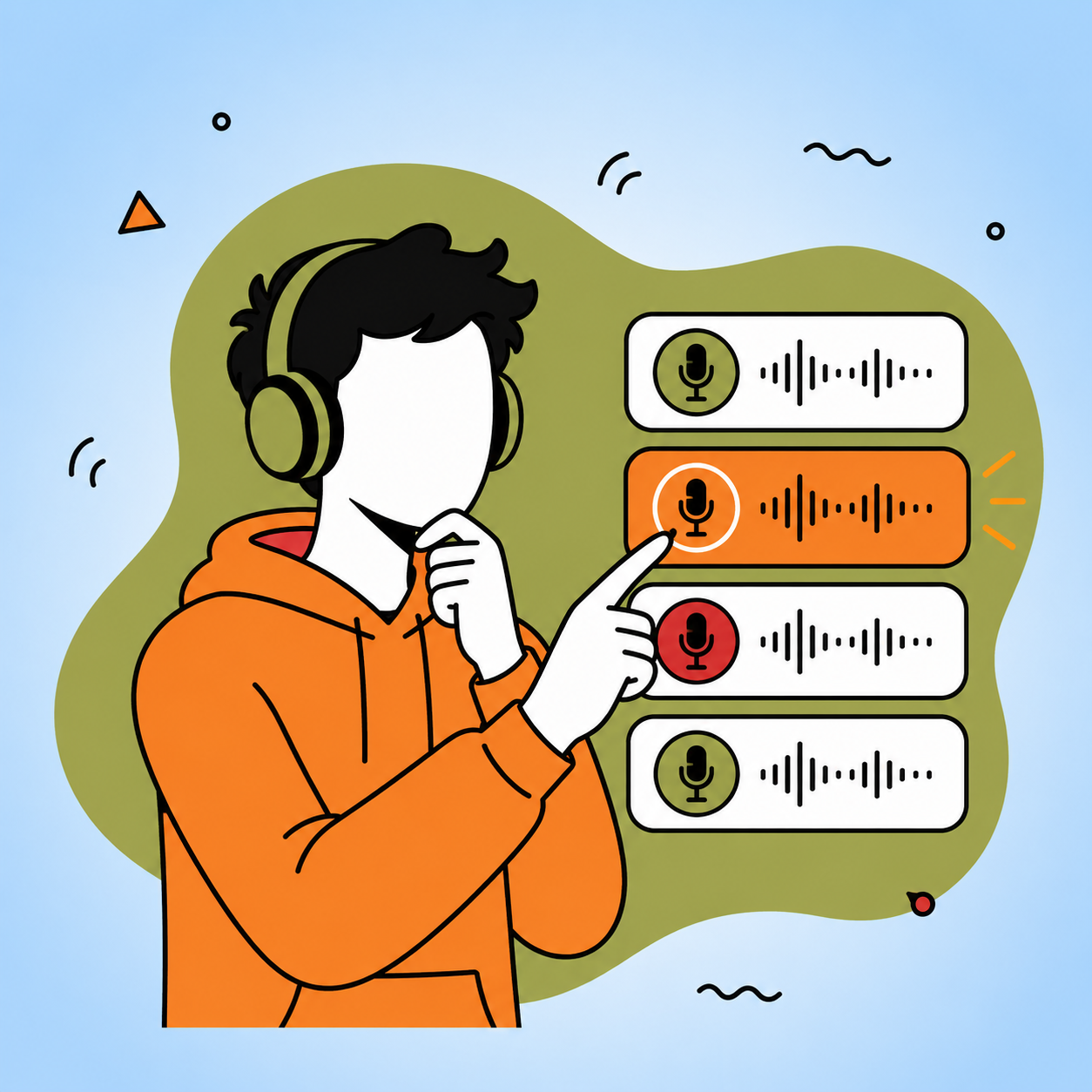
Pick a natural-sounding voice and adjust the speed and pitch until it sounds the way you like. Preview a short sample first so the narration matches your content, whether it's a textbook chapter or a relaxing story.
Step 3: Generate speech
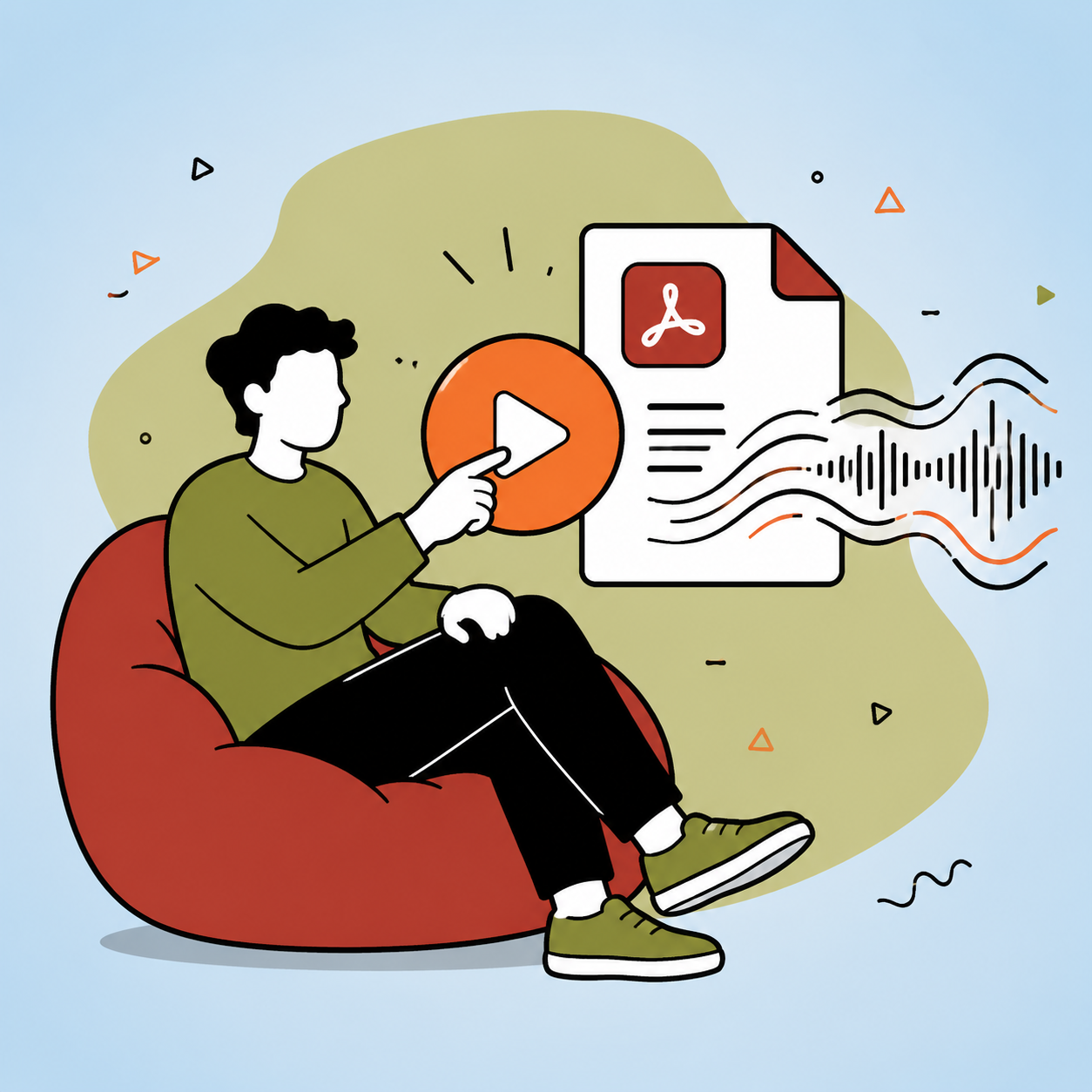
Press Generate Speech to start listening. You can pause, resume, and stop at any time. Because the text appears in an editable box, you can fix anything that looks off — like a stray page number — before you play it again.
How can I get a PDF into an audiobook on my phone?
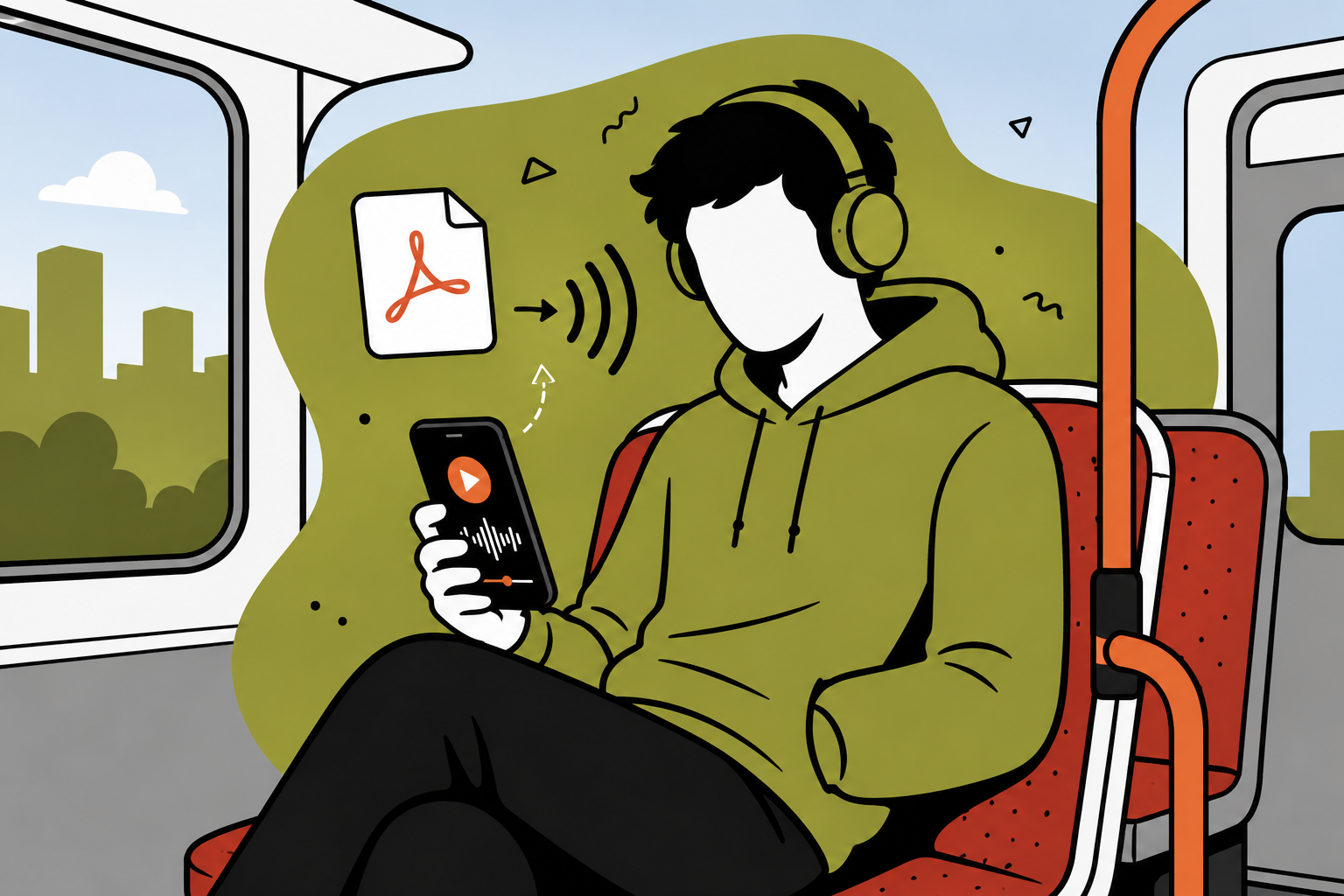
The same browser workflow works on mobile. Open the converter in your phone's browser, upload the PDF, choose a voice, and tap generate. That makes it easy to listen while commuting, walking, or doing chores — no separate app required.
How to download a PDF audiobook
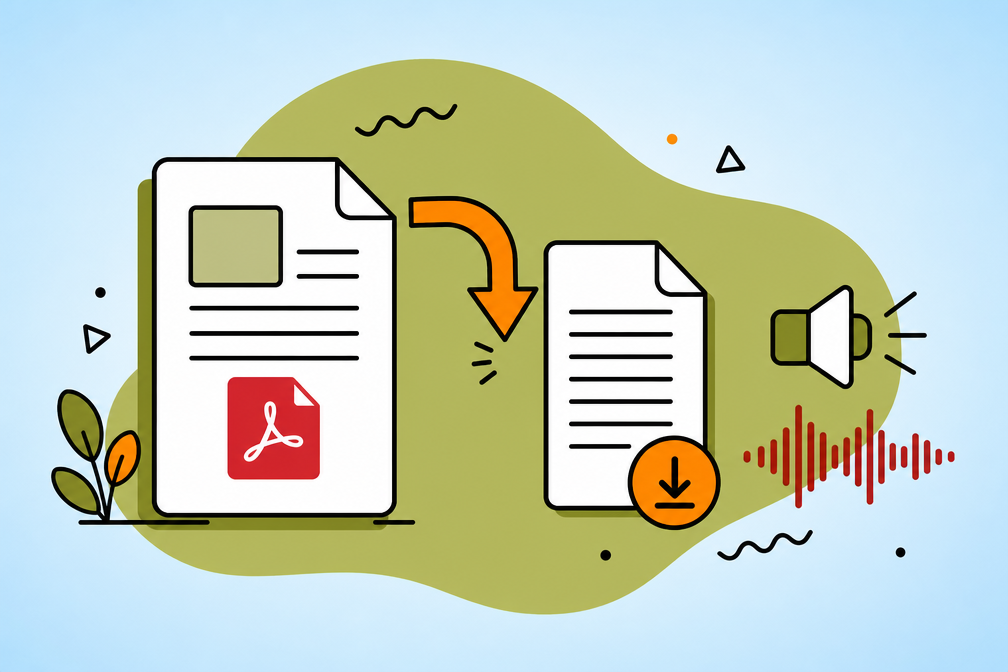
A pure browser tool reads your PDF aloud and lets you download the extracted text as a .txt file so you can keep or re-use it later. If you specifically need a downloadable MP3 audiobook file, you'll want a tool connected to an AI text-to-speech provider that renders audio on a server. For free, in-browser listening, playback starts instantly and there's nothing to download or wait for.
Tips for the best results
- Use text-based PDFs. If you can select the text in your PDF reader, the converter can read it. Scanned pages need OCR first.
- Trim the noise. Delete repeating headers, footers, and page markers from the extracted text for smoother narration.
- Break up huge files. Very long books play more reliably when split into a few smaller PDFs.
- Match the voice to the content. A slower pace suits dense study material; a livelier voice suits stories.
Is it legal to convert a book PDF to an audiobook?
Convert only PDFs you own or have the right to use — your own notes, documents you created, public-domain texts, or files you're licensed to use. Avoid converting copyrighted books you don't have permission for. For personal study material and documents you already own, turning a PDF into audio for your own listening is a normal, practical use.
Start converting
Ready to listen instead of read? Open the free PDF to Audiobook converter, upload a file, and turn your PDF into an audiobook in seconds.
PDF to Audiobook FAQ
Yes. The browser converter is free to use, with no sign up. You upload a PDF, it extracts the text, and you listen with a built-in voice.