
Step 1
Upload Your PDF
Choose a file from your device. Your text appears in the editor so you can review it before listening.
Turn PDF into audiobook audio you can listen to anywhere. Upload a document, review the text, choose a narrator and speed, then create a clear audiobook for study, work, commuting, or catching up on your reading list.
Use this pdf to audiobook workflow when you want a faster way to finish books, reports, lecture notes, or saved articles. The process is simple: upload, check the text, then start listening.
Step 1
Choose a file from your device. Your text appears in the editor so you can review it before listening.
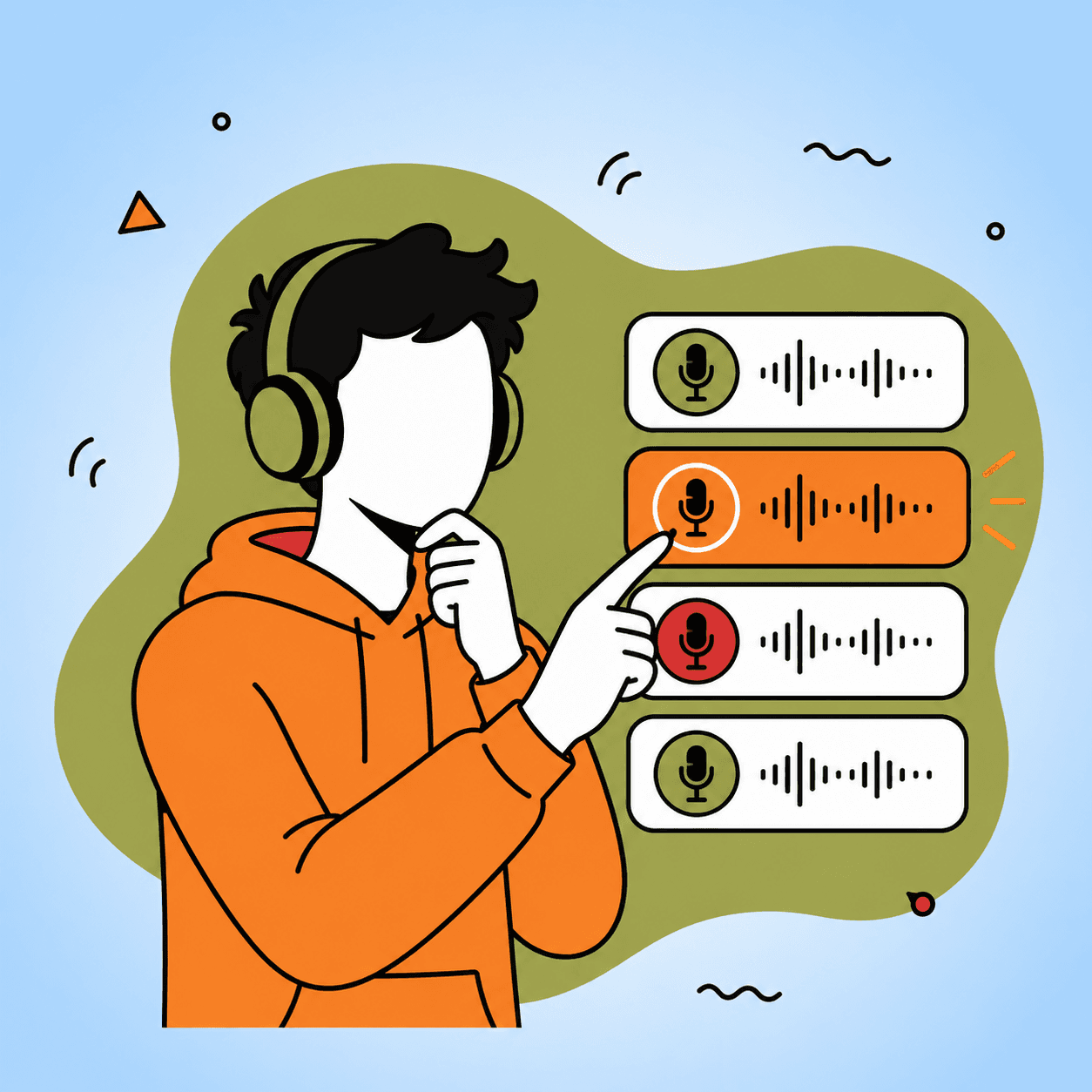
Step 2
The extracted text appears in the editor so you can quickly check or tidy it up before listening.

Step 3
Choose a narrator and speed, then create your audiobook and save it for later.
Hear how finished audiobooks can sound, from classic stories to practical nonfiction and quick introductions. These examples show how a document can become easy listening instead of another page you have to stare at.
When a document is too long to read in one sitting, turn PDF into audiobook narration and keep moving. It works well for students reviewing chapters, professionals catching up on reports, and readers who prefer listening over scrolling.

PDF to Audiobook is a free online tool that helps you turn documents into natural narration. Instead of staring at long pages, you can listen anytime. Upload your file, choose a voice, set a comfortable pace, and start a focused listening session in minutes.
This is especially useful for dense PDFs that are hard to finish on screen: textbooks, research papers, manuals, business reports, public domain books, and study notes. You stay in control of the text before creating the audiobook, so the final audio matches what you actually want to hear.
Students face endless chapters, researchers handle heavy reports, and avid readers struggle to get through novels on small screens. This pdf to audiobook generator helps you turn those documents into audio, so you can learn while walking, commuting, or relaxing — and finally get through your reading list.
Instead of forcing every reading session to happen at your desk, convert PDF to audiobook and make the same material fit into your day. Listen during a walk, while cleaning, before class, or when your eyes need a break.
If you have ever searched for a simple way to turn pdf into audiobook files, this page is designed for that exact job: start with the document you already have, then create something you can actually listen to.

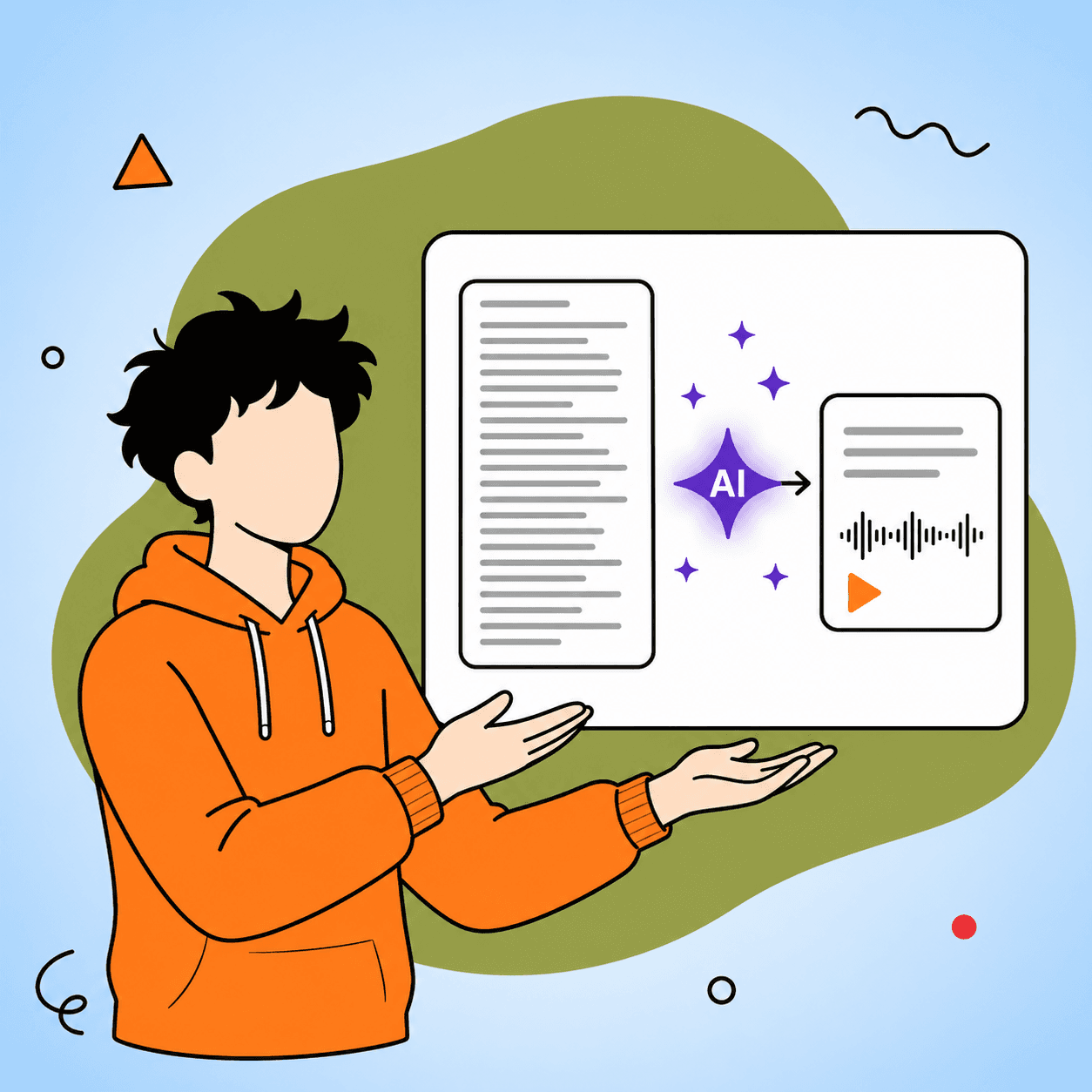
Short on time? Create a shorter version before listening. Set your target length, choose what to focus on, then listen to the main ideas instead of the full document.
The summary option is helpful when the original PDF is too long for a single listening session. You can turn long material into a clean outline, review the result, and then create an audiobook from the shorter version.
From long PDFs to shorter summaries, this tool is built to make turning PDFs into audiobooks feel simple. You can review the extracted text, choose a listening style, and create audio that fits the way you study, work, or read.
Turn reports, notes, chapters, and saved articles into audio you can finish while walking, commuting, or resting your eyes.
Pick a narrator and speed that fits your mood, from calm study sessions to quicker catch-ups before a meeting.
Short on time? Create a clean summary first, then listen to the key ideas instead of the full document.
Upload your PDF, review the text, choose a narrator and speed, then create your audiobook. There is no sign up or credit card required.

No sign up, no installs. Upload a PDF and start listening in seconds.
Fresh AI audiobooks made from PDFs and documents — listen with the full transcript.
The Pauline–Pac Cadence: A Prophetic Writing Doctrine Overview This is a doctrine of holy rhetoric. We write as those who have been seized by the Gospel, schooled in the…
2,080 words · ~14 min
The Pauline–Pac Cadence: A Prophetic Writing Doctrine Overview This is a doctrine of holy rhetoric. We write as those who have been seized by the Gospel, schooled in the…
2,066 words · ~14 min
The Divine Wordplay of Paul: Repurposing Apostolic Poetics for the 2Pauline Persona Overview The Apostle Paul did not simply preach; he performed. Raised in Hellenistic Tarsus and…
2,832 words · ~19 min
The dominant neural network models for tasks like language translation and text summarization have long relied on complex architectures called recurrent neural networks, or for…
941 words · ~6 min